


Uttarakhand Voter List 2025 – UK PDF Electoral Rolls / Voter ID Card Download
The Chief Electoral Officer of Uttarakhand has released the Uttarakhand Voter List 2025 on the official website ceo.uk.gov.in. Citizens can now search their names in the new UK PDF Electoral Roll and download their Voter ID cards online. The complete Uttarakhand electoral rolls in PDF format, published by the Election Commission of India (ECI), are also available for access.
In this article, we will explain the step-by-step process to check your name in the Uttarakhand CEO Voter List, download your Voter ID card, and cast your vote in the upcoming Assembly or Lok Sabha elections.
Uttarakhand Voter List 2025
Citizens can now check their names in the district-wise CEO Uttarakhand Voter List 2025 with photos and download their Voter ID cards from the official website ceo.uk.gov.in. The updated Uttarakhand Electoral Roll PDF with photos is available online, allowing voters to easily find their names in the new 2025 voter list and download their Uttarakhand Voter ID cards before casting their votes.
The complete PDF file of the Uttarakhand Electoral Roll (Voter List) 2025 is now accessible to the public. Citizens can manually search their names in the 2025–2026 voter list or use the online name search option for a quick and hassle-free process.
Read More:-
Madhya Pradesh Voter List 2025 PDF – Check Name & Download List
Maharashtra CEO Voter List 2025 (PDF Electoral Rolls) – Voter ID Card Download
How to Download Uttarakhand PDF Electoral Roll
Below is the complete procedure to download New Voter List 2025 Uttarakhand:-
STEP 1: Firstly visit the official website of Chief Electoral Officer of Govt. of Uttarakhand at ceo.uk.gov.in or directly click https://voters.eci.gov.in/download-eroll?stateCode=S28
STEP 2: Select state, from the drop-down menu, choose Uttarakhand as the state name.
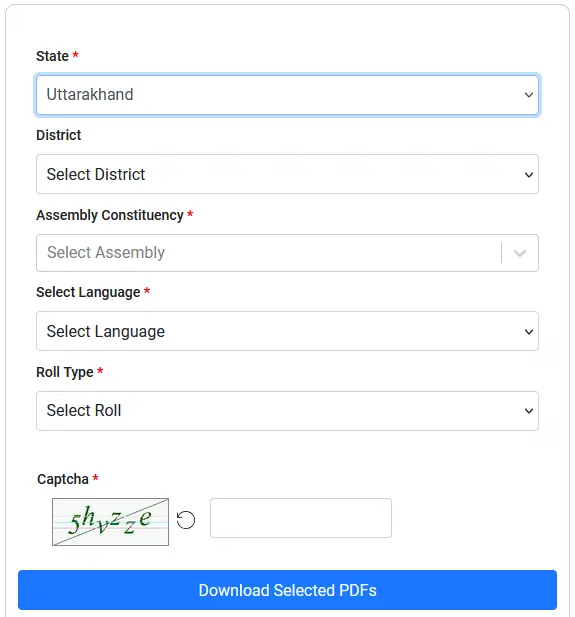
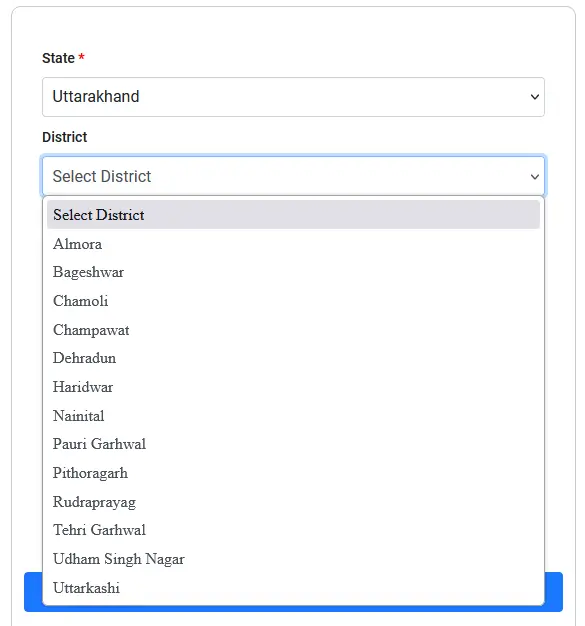
STEP 3: Select district, the list of Uttarakhand districts will appear. select your specific District.
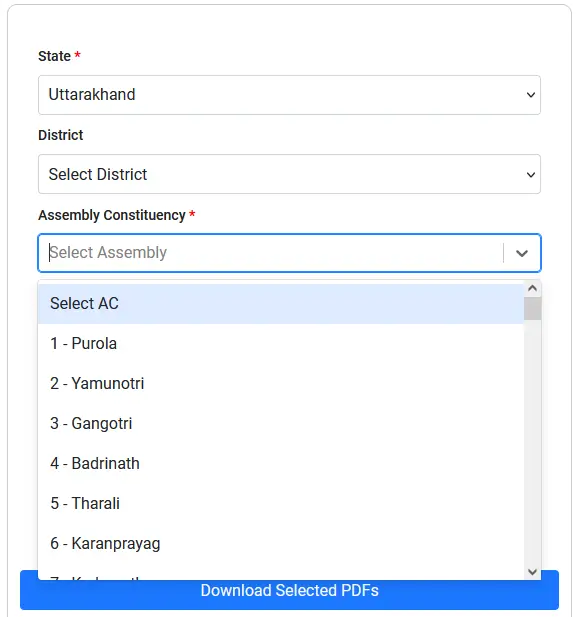
STEP 4: Select assembly constituency, based on the district, select your relevant Assembly Constituency from the provided options.
STEP 5: Choose the language in which you wish to download the electoral roll PDF (e.g., Hindi, English).

STEP 6: Choose the desired version of the roll. Options typically include Draft Electoral Roll, Final Electoral Roll, or General Election Roll. For the most current list, select the latest Final Roll available. Search or scroll through the list to find your specific Polling Station (Part Number).

STEP 7: Enter the CAPTCHA text as displayed on the screen.

STEP 8: Click on the “Download Selected PDF’s” button. The files will begin downloading one by one, and a status update will be displayed. Save the downloaded PDF to your preferred location on your computer or mobile device. This file contains the complete list of voters for the selected polling station.
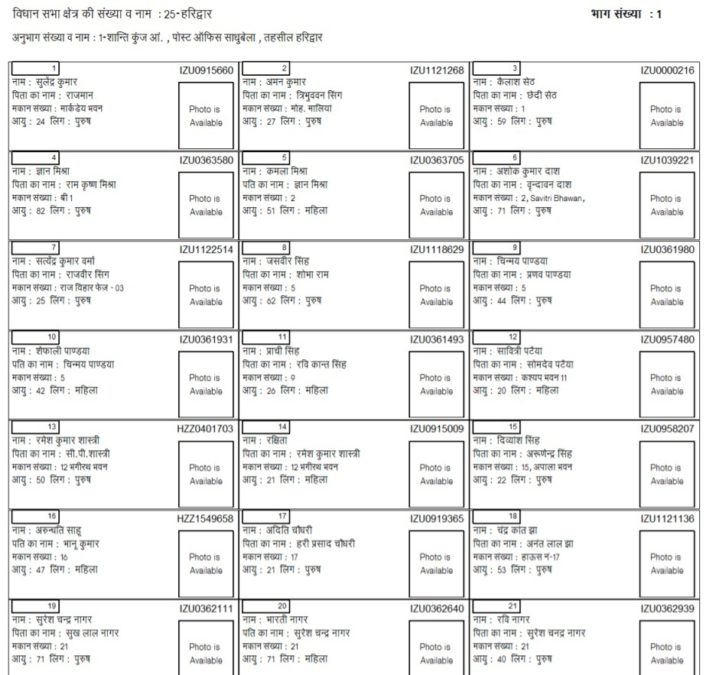
Candidates can download this PDF Voter Lists of Uttarakhand and find their name manually in the download CEO UK Voter Lists. To find name in the service electoral rolls, the procedure is same.
Checking Your Name in the Uttarakhand Voters List (Electoral Search)
If you only need to verify your inclusion in the list or check your details, the ECI portal provides a powerful electoral search functionality (https://electoralsearch.eci.gov.in) with four primary methods:-
Check Name in PDF: After downloading the electoral roll PDF as described above, you can manually open the file and look for your name, along with your father’s name, to confirm your entry.
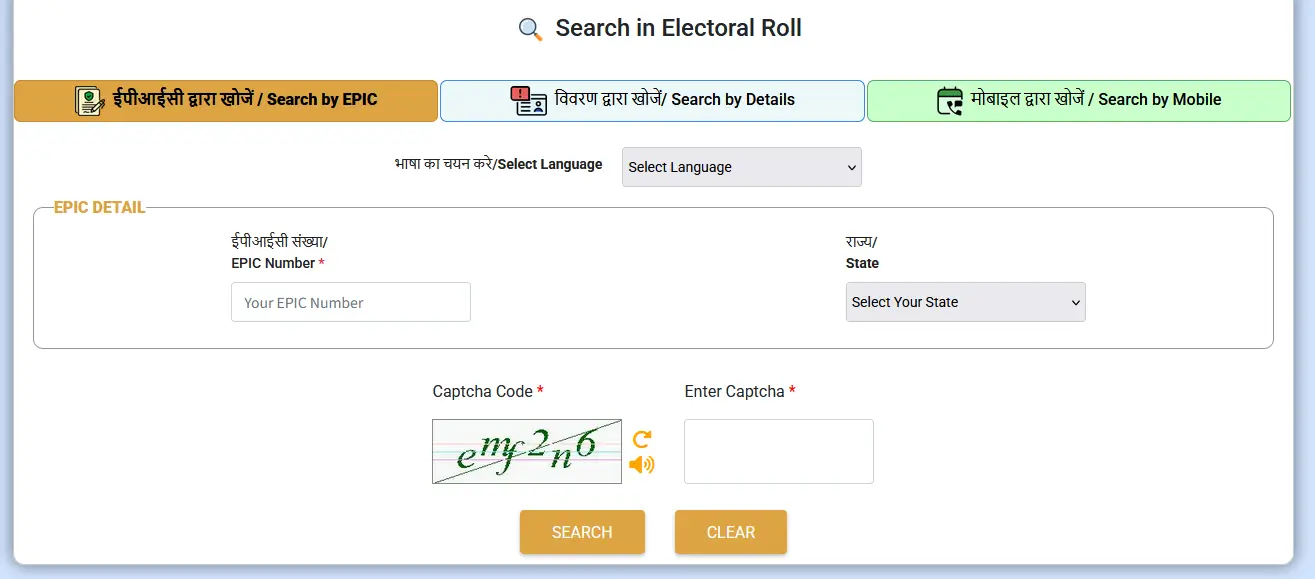
Search by EPIC Number (Voter ID Number): This is the most accurate method. Select the “Search by EPIC” tab and enter your 10-digit Alphanumerical EPIC Number (Electoral Photo Identity Card), along with the CAPTCHA code, and click “Search.” Your detailed voter information will be displayed if the number is valid.
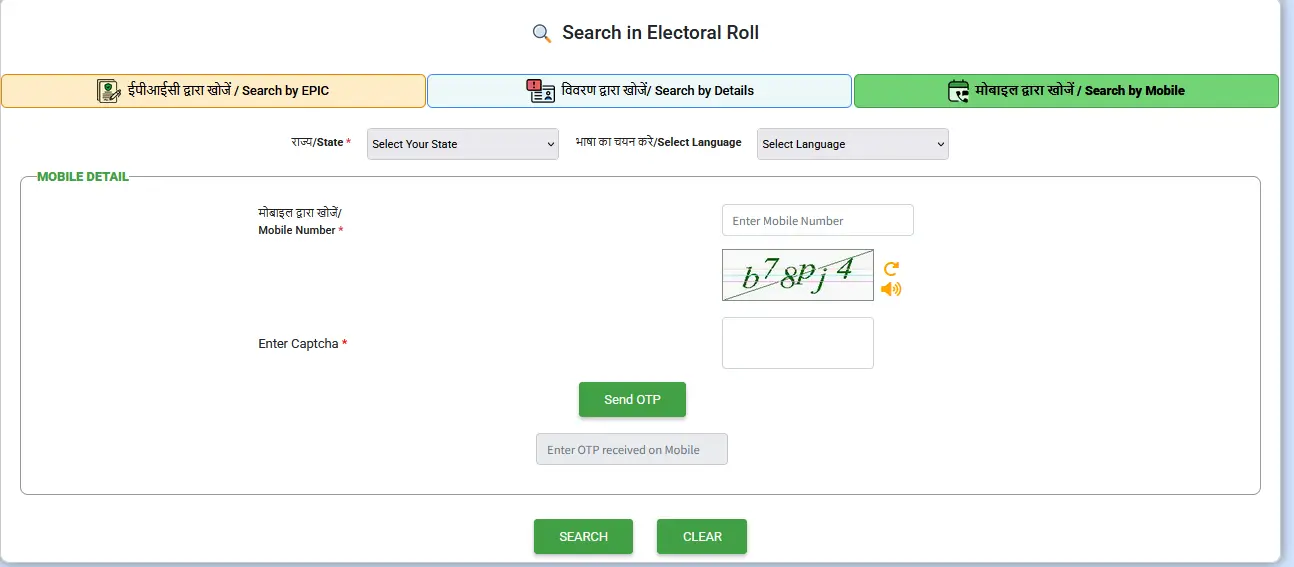
Search by Mobile Number: If your mobile number is registered and linked to your Voter ID Card via a submission like Form 8, you can select “Search by Mobile”. Enter your mobile number, select the state, enter the CAPTCHA, and click “Send OTP.” After entering the received OTP, the search will display your details if a match is found.
Search by Details: Select the “Search by Details” option. You can search by entering your personal information, including your Name, Date of Birth, Gender, Father’s Name, State, and District. This method is useful if you don’t know your EPIC number.
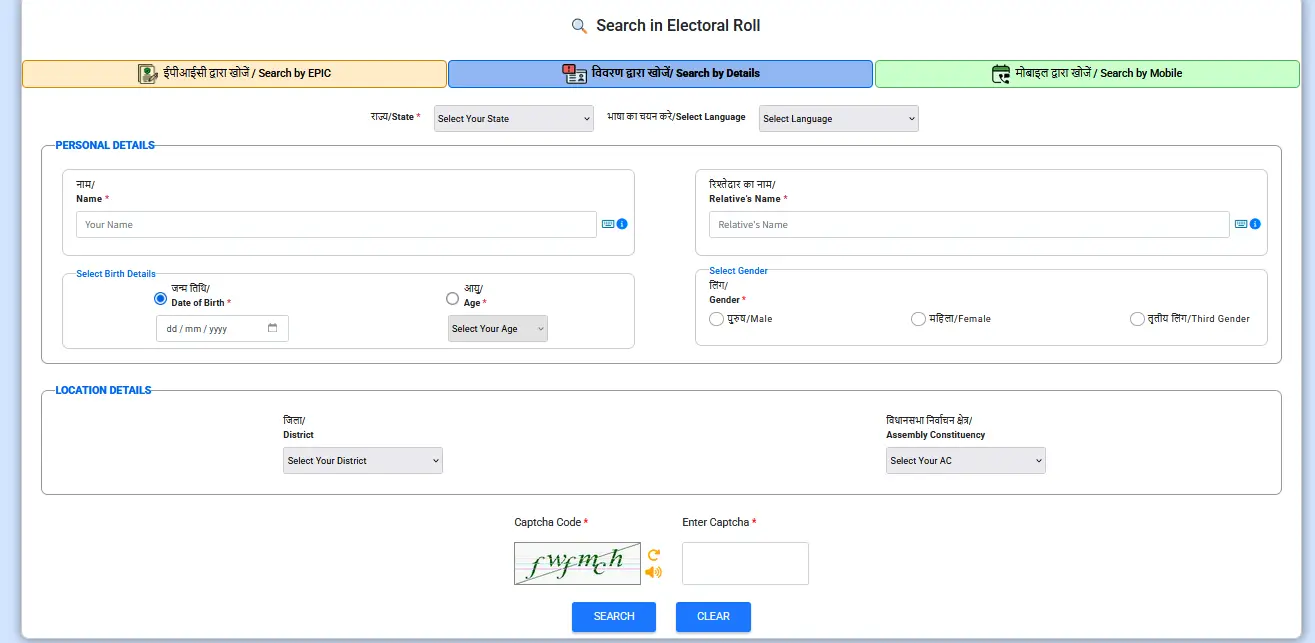
People can even download their UK Voter ID Card through the direct link at https://electoralsearch.eci.gov.in link. Here people can enter their name, age (or date of birth), relation name, gender, state, district, assembly constituency and can find their name online to download the voter slip and Voter ID Card Uttarakhand.
For more details, visit the official website at http://ceo.uk.gov.in/