

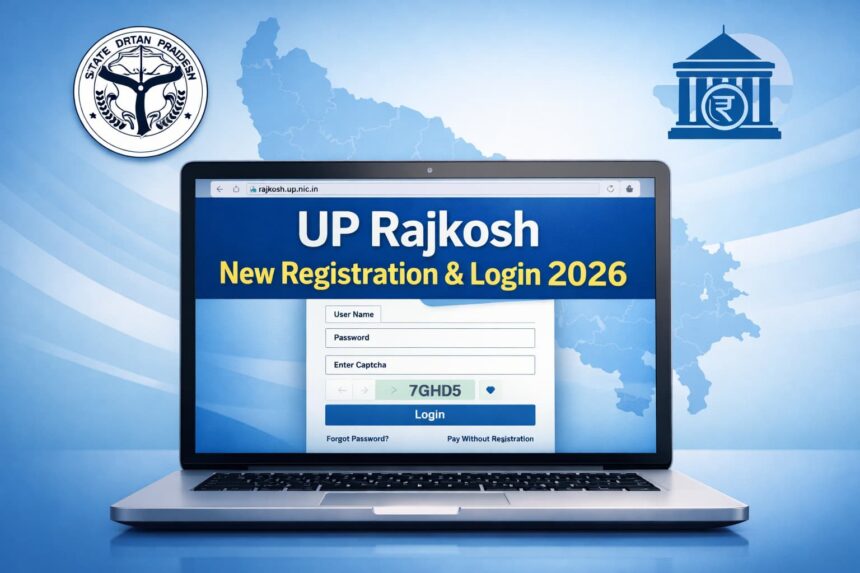
UP Rajkosh New Registration & Login 2026 – rajkosh.up.nic.in Guide
🔹 What Is UP Rajkosh?
UP Rajkosh (at https://rajkosh.up.nic.in/) is the official Uttar Pradesh Treasury & e‑Payment portal where individuals or entities can make online payments (challans), check/verfiy challans, and manage accounts when registered. It’s part of the Integrated Financial Management System (IFMS).
Contents
🆕 New Registration (Create Account)
- Open the official website:
👉 https://rajkosh.up.nic.in/ - Find & click the “New Registration” link
- This is usually visible on the homepage menu.
- Selecting it opens the registration form.
- Fill in required details in the registration form
- Typical fields include: Name, contact details (mobile/email), address, PAN/TIN (if applicable), and other required information.
- Submit and Save
- Once completed, click the Save/Submit button.
- You should get a user ID and password (or confirmation to set them).
- Check Email/SMS for Credentials
- Some systems send login details or activation links to your mobile number / email.
👉 Tip: Keep your login details safe for future payments and record access.
🔐 Login After Registration
- Visit the Rajkosh login page:
👉 https://rajkosh.up.nic.in/User/Login.aspx (Rajkosh) - Enter your credentials:
- User Name
- Password
- Captcha Code
- Then click Login.
- Once logged in, you can:
✔ Pay challans with your registered account
✔ View past transactions
✔ Track challan & payment status
✔ Generate and print receipts / challans
🧾 If You Don’t Want to Register
You can also make payments without registering using the “Pay Without Registration” option on the homepage. This lets you fill a challan form directly as a guest and make a payment, but you won’t be able to access transaction history or account‑specific features.
❓ Forgot Password / Username
If you forget your login details:
- Use the Forgot Password link on the login page.
- Provide your registered email/username or mobile to recover/reset.
- A reset link may be sent to your email.
📝 Notes & Tips
- Make sure to enter your mobile number and email correctly during registration so you can receive OTPs and confirmations.
- Captcha is case‑sensitive, so type exactly as shown.
- If the login doesn’t work even after registration, verify whether you completed the full registration and check for activation SMS/email.