


Krushak Odisha Registration 2025 @ krushak.odisha.gov.in – Login, Beneficiary List & Status Check
What is the Krushak Odisha Portal
- The Portal is run by the Department of Agriculture & Farmers’ Empowerment, Odisha and is meant to serve as a unified farmer database for the state of Odisha.
- It allows farmers to register, maintain their profile (land data, bank details, crops, etc), and access/apply for various agriculture-services and schemes.
- From reports: The state plans to issue a unique “Farmer ID” (Krushak ID) by linking with Aadhaar, land records, etc — targeted to complete by March 31, 2025.
Eligibility & Documents Required
Eligibility
- Must be a resident of Odisha.
- Must be a farmer (own or operate agricultural land) — the portal is for “all farmers in the state” to be part of the database.
Documents / Information typically required
- Aadhaar number (or alternative such as Voter ID) along with mobile number for OTP.
- Bank account details.
- Land records / village/ward, block, district details, category (General/SC/ST) etc.
- Mobile number linked to Aadhaar is important for OTP and updates.
How to Register (2025)
Here are the steps to register on the portal:
Contents
- Krushak Odisha Registration 2025 @ krushak.odisha.gov.in – Login, Beneficiary List & Status Check
- What is the Krushak Odisha Portal
- Eligibility & Documents Required
- How to Register (2025)
- How to Login
- How to Check Application Status & Beneficiary List
- Important Updates for 2025
- Tips & Things to Keep in Mind
- Visit the official website: https://krushak.odisha.gov.in
- On homepage select the Register or “New Farmer Registration” option.
- Enter your Aadhaar number (or Voter ID/alternative if Aadhaar not available) and your mobile number.
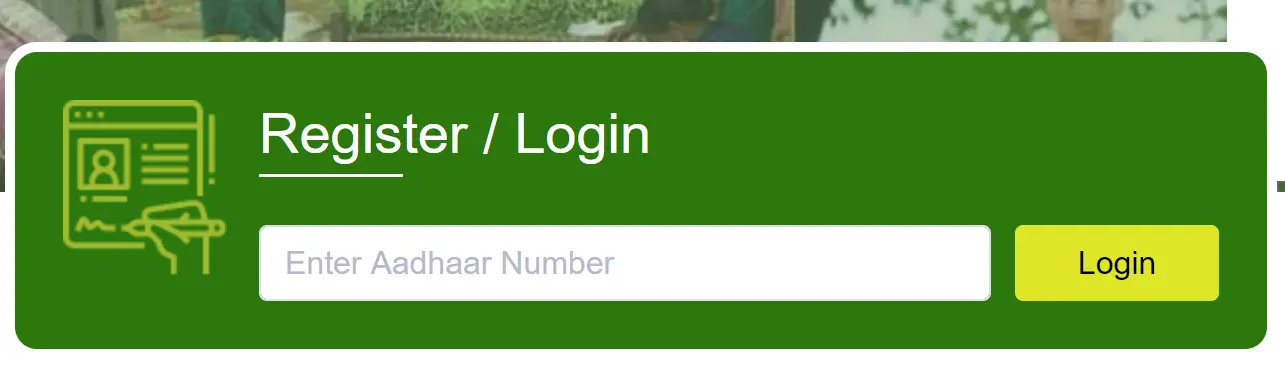
- You’ll receive an OTP on the mobile number. Enter OTP to verify.
- Fill the registration form: personal details, family details, land & bank details, upload required documents (scanned copies).
- Review and submit the form. After submission, an acknowledgement will be generated.
- After registration, you can log in and update your profile (bank details, crop details, etc) from “My Profile”.
How to Login
- From the portal homepage, click “Login / Farmer Login”. (
- Enter Aadhaar number (or alternative if applicable), mobile number, verify OTP. Then you will access your dashboard.
- Alternative login option exists: using Voter ID if Aadhaar not linked.
How to Check Application Status & Beneficiary List
Check Status
- On the portal there is a “Know Your Status” (or “Check Status”) section: enter your Aadhaar number, click Submit, system will show if you are registered or not.
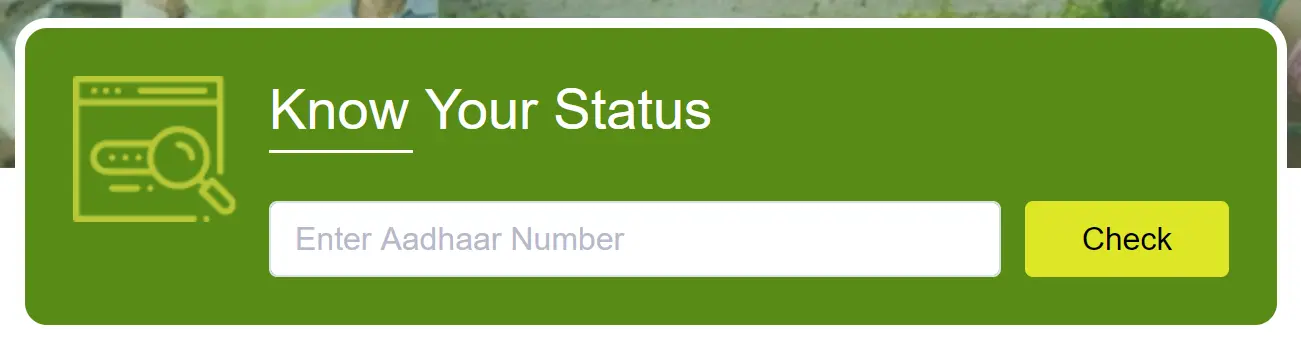
- If you are already registered, it may prompt you to login.
Check Beneficiary List
- The portal provides a way to check if you are a beneficiary of any scheme. One can navigate to “Beneficiary List” option, enter required details (Aadhaar, district/block etc) and view list.
Important Updates for 2025
- The state government is rolling out a “Krushak ID / Farmer ID” linked with Aadhaar, land records etc, starting Jan 1, 2025 with target completion by March 31, 2025.
- Make sure to register or update your details before key deadlines to access benefits tied to the registry.
Tips & Things to Keep in Mind
- Ensure your mobile number is linked to Aadhaar and is active, since OTP verification depends on it.
- Double-check land details like village, block, Khata number when registering because incorrect data may delay or reject your registration.
- After registration, periodically update your bank details / crop details in “My Profile”. The portal allows adding production details such as crop, fishery, animal husbandry.
- Keep acknowledgement number safe after submission, in case you need to track later.
- If you face technical issues (login, OTP not received, document upload failure), visit the nearest CSC (Common Service Centre) or agriculture office in your block for help.
- Always use the official URL to avoid phishing or duplicate sites.